No, you don't wanna be an entrepreneur
A few months ago, I gave a very last minute talk at Barcamp Shanghai. I decided to try and walk people through what I think of entrepreneurship and why I recommend most people not to do it.
I hadn’t prepared anything prior to giving the talk and had no adapter for my laptop anyway, so you get awesome last minute shitty drawings in lieu of slides.
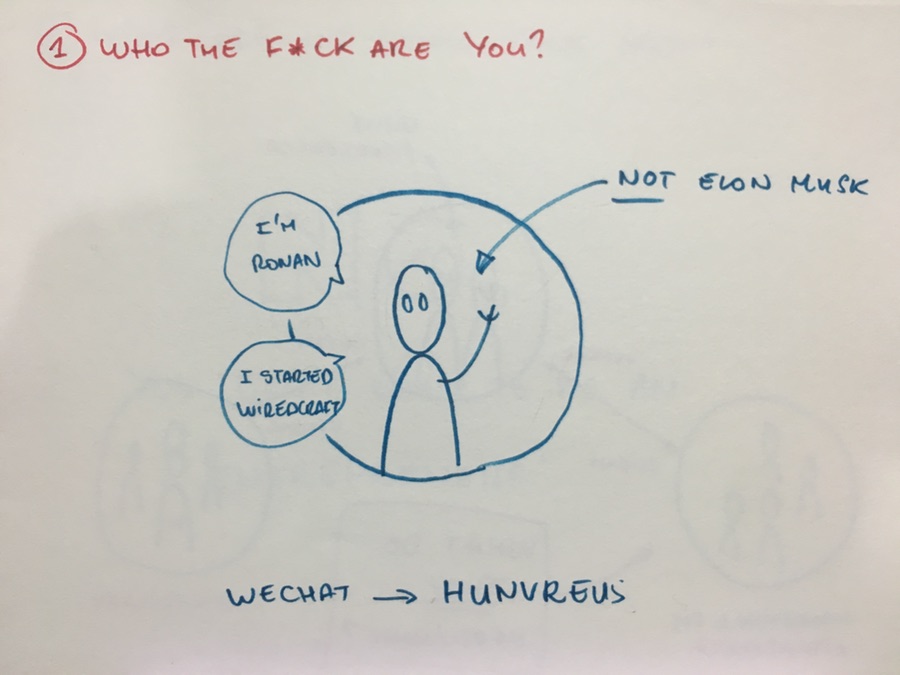
I’m no Elon Musk.
I do have a business, a consultancy (Wiredcraft) that creates digital solutions for some of the largest brands in the world).
With that being said I don’t consider myself a big success or an expert in entrepreneurship (God I hate this word).
What I’m gonna talk about below is based on my experience and what I’ve learned from other entrepreneurs.
I’m gonna try and explain to you why most of you shouldn’t try to start their own business.
I’m sure most of you will ignore my advices anyway and learn things the hard way, but hopefully you’ll get a bit of perspective.
So, most weeks I run into people who ask me for advices about their startup or business. It usually goes something like that:
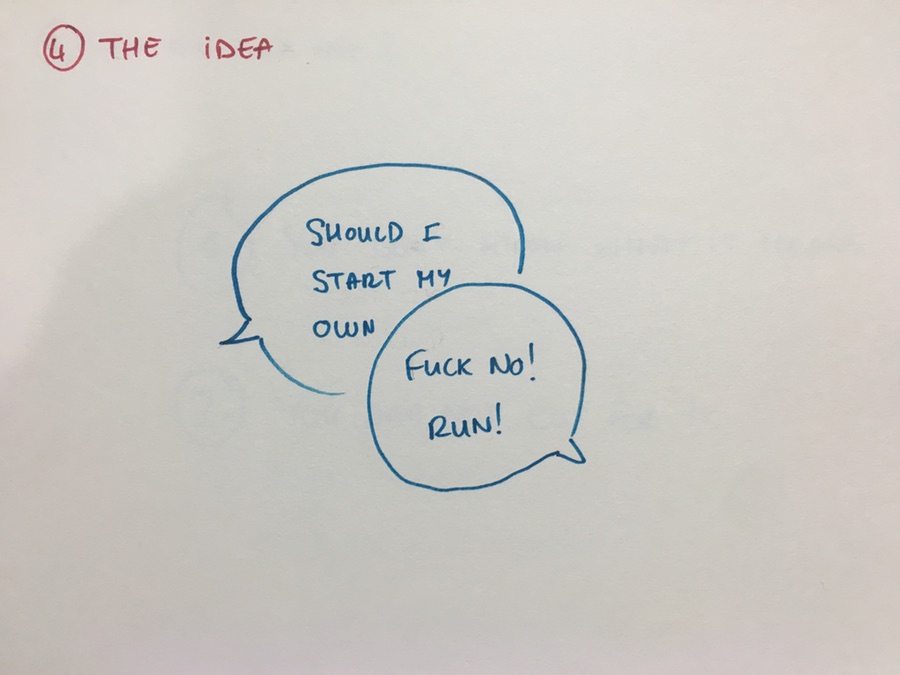
Should you start your own company? Nope.
You’re a student and want to drop off because your friend has this great mobile app idea?
Don’t.
Stay in school and spend your weekends building it.
You’re a designer who wanna work for yourself and think of creating your own agency?
Don’t.
Start freelancing on the side and see if you like that.
You’re a project manager and think you have a great company. You’re already thinking of raising money and take over the world?
Don’t.
Build a proof of concept on weekends and see if it sticks.
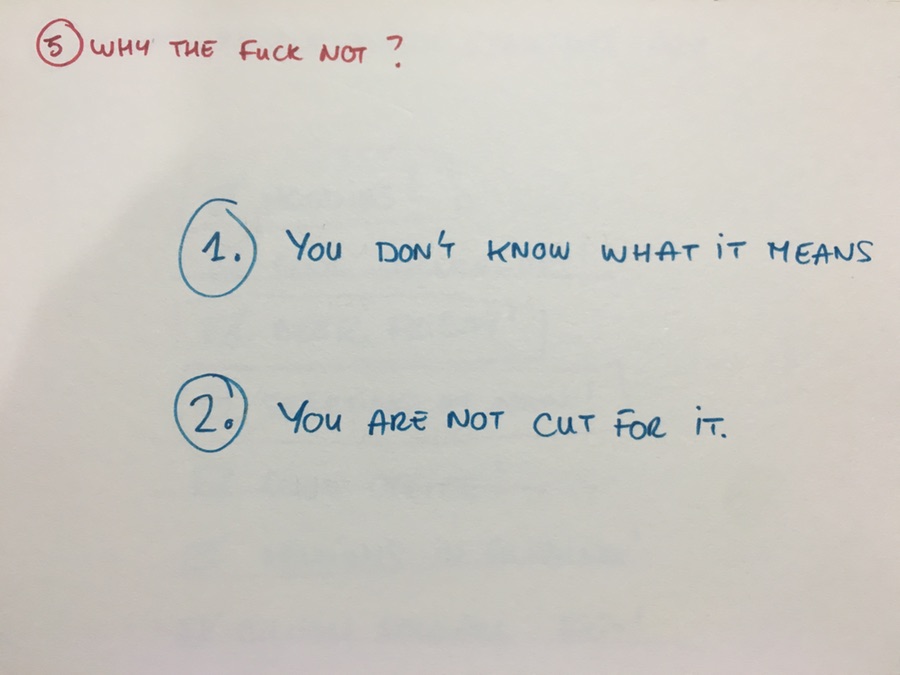
Some people think I’m trying and discouraging them on purpose. That I want to keep all the sweet sweet entrepreneurship for myself.
If you’re really determined, you’ll do it anyway.
But in my experience:
-
You don’t know what it actually is
-
You’re probably not cut for it
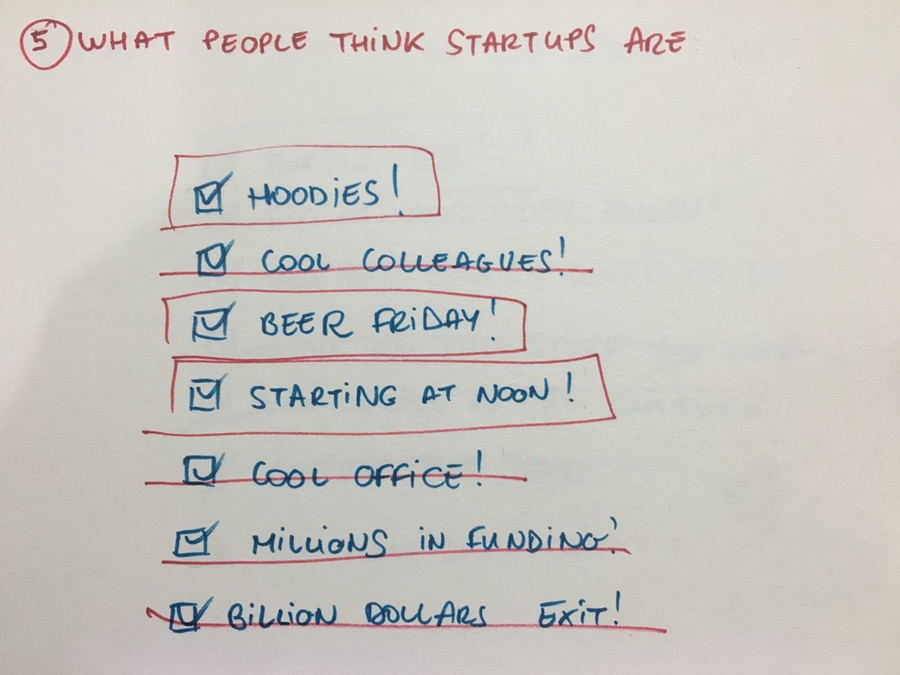
A lot of people think startups are like The (Fucking) Social Network:
-
Hoodies. Check!
-
Cool hipster colleagues kicking asses. Check!
-
Beer Friday. Check!
-
Starting at noon. Check!
-
Cool swanky office. Check!
-
Millions in funding. Check!
-
Billion dollar exit. Check!
Sounds cool right?
What it actually is:
-
Hoodies? Sure. You don’t have the time or money to dress well.
-
No colleagues at all. You’re in charge of everything until it becomes interesting and then you hire people to do the work.
-
Beer Friday? Sure, but you probably will NEED it because your week is a train wreck and you’ll have no other way to relax or shut your brain off.
-
Starting at noon? Yeah right, that’s because you worked until 7:00 in the morning and have done so already twice this week. Also, you’ll be working 7 days a week.
-
Millions in funding? Ah ah ah! Go ask anybody who raised money if they liked that. Keep in mind that once you have investors, you effectively have bosses too.
-
Cool offices? Yeah, maybe on year 3 or 4. In the meantime, you’ll either end up at a tiny, noisy co-working space, or in a converted apartment.
-
Billion dollar exit? Right. You may wanna brush up your math on this. The odds of you coming even near a multi-million payout is 0.
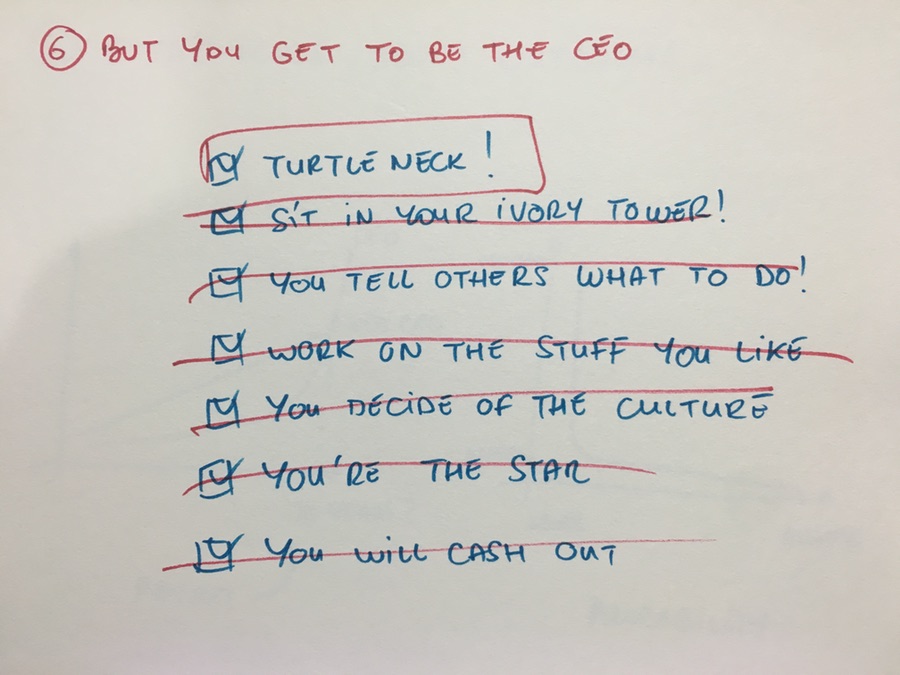
But you get to be CEO, right? There you go:
-
Turtleneck. Check!
-
You get to be the strategist, planning for world domination in your ivory tower.
-
You get to tell others what to do, and you can be a dick about it.
-
You’ll get to work on the stuff YOU are good at and YOU want to work on.
-
You’ll get to create the company YOU want.
-
You get to hang out and look cool at conferences, explaining why you’re a fucking genius.
-
You cash out and disappear in the sunset at the end.
What it actually means to be the CEO:
-
You’re the CJO: Chief Janitor Officer. You shovel the shit nobody wants to touch.
-
You will most likely NOT work on things you are good at or want. Accounting? Sales? Negotiations with clients? HR? Administration? Yep, all for you buddy.
-
You’re everyone’s b*tch. If you think you can discard other peoples feelings, you’re wrong. Anybody’s problem is your problem until you make it.
-
Nobody cares about YOUR problems (boohoo, poor CEO). And you can’t complain to your employees or show doubt/weakness, especially when things are difficult.
-
While you’ll have an impact on the culture, it very quickly will escape your control.
-
You will most likely NOT succeed. More on that in a second.
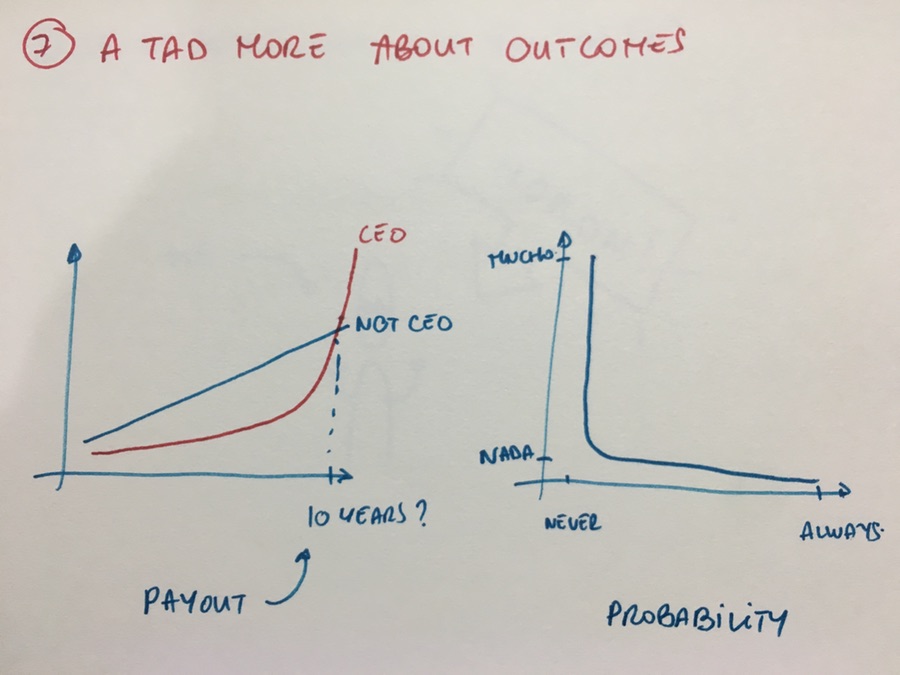
A tad more about outcomes: for many, it’s a gamble.
There are definitely a possibility for you to cash out or even build a sustainable business for yourself.
However, many people don’t quite understand how that works:
-
Even if you actually end up making it, it takes years.
-
Even when you cash out, it may not be in the range of what you could have made at a regular job.
-
The odds are way more fucked up than you think and it will take a lot longer than you think. Don’t get fooled by what you read online. You will not make 100 million dollars after 2 years of hard work.

Well then, if it sucks that much, why did you I it?
Story time.
-
I was managing the Chinese branch for a Canadian company.
-
Our CEO was arguable a coke head. A great sales man, but terrible at managing a company.
-
He grossly mismanaged the finances and put the entire group in a tough spot.
-
I had the pleasure of; a. Not get paid for 6 months. b. Working my butt off. c. Liquidating his company. d. Paying off employees out of my own pocket.
-
After that I decided that maybe I needed money. You know, to pay for things.
-
I started freelancing.
-
Somehow, 2 months in I had a couple colleagues.
Along the way, I wasted years trying things that didn’t work out.
I’m better off now, but these were expensive lessons.
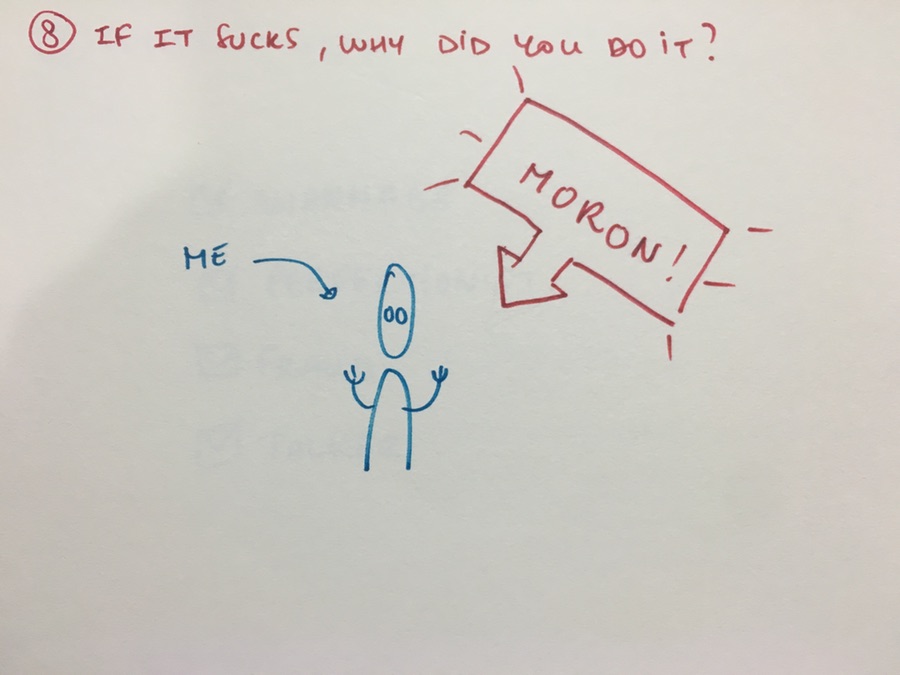
So, what made me do it?
-
I HAD to, like many folks I know.
-
I’m kinda masochist. I like to solve difficult problems.
-
I’m OCD/asperger. That kinda help with the previous point.
-
I’m a nerd and care too much about things that others don’t (code, design, culture).
-
I’m not a huge people person and thought it’d be a good way to avoid dealing with folks (and I was very wrong about this).
Mostly, I was a huge idiot and stumbled into it.
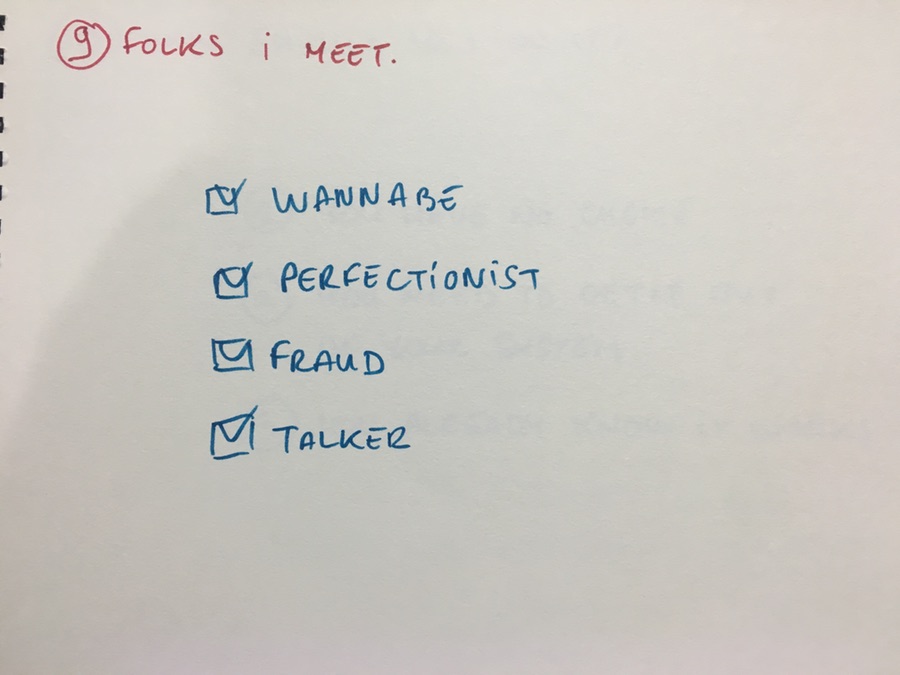
I basically meet 4 types of folks who are interested in starting a company (and probably shouldn’t):
-
The wannabe; has a business card and want to get rich/famous quickly.
-
The perfectionist; the gifted designer/developer/whatever who tries and think he can do better.
-
The fraud; good enough that he raises $$$, and goes through it like an idiot
-
The talker; always making plans and asking if you can help but never pulls the trigger.
If you’re one of these people, just don’t.
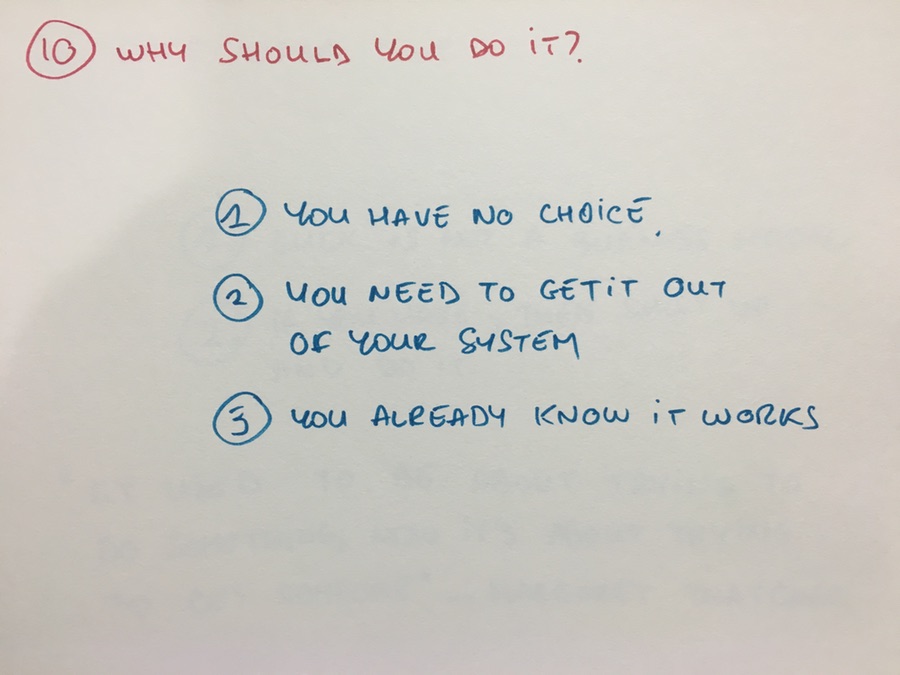
So, why should you do it?
-
You have no choice.
-
You need to get it out of your system.
-
You’ve already validated your idea.
If you’re young and have money, it helps (I know it’s not fair). But being desperate is also a good motivation.
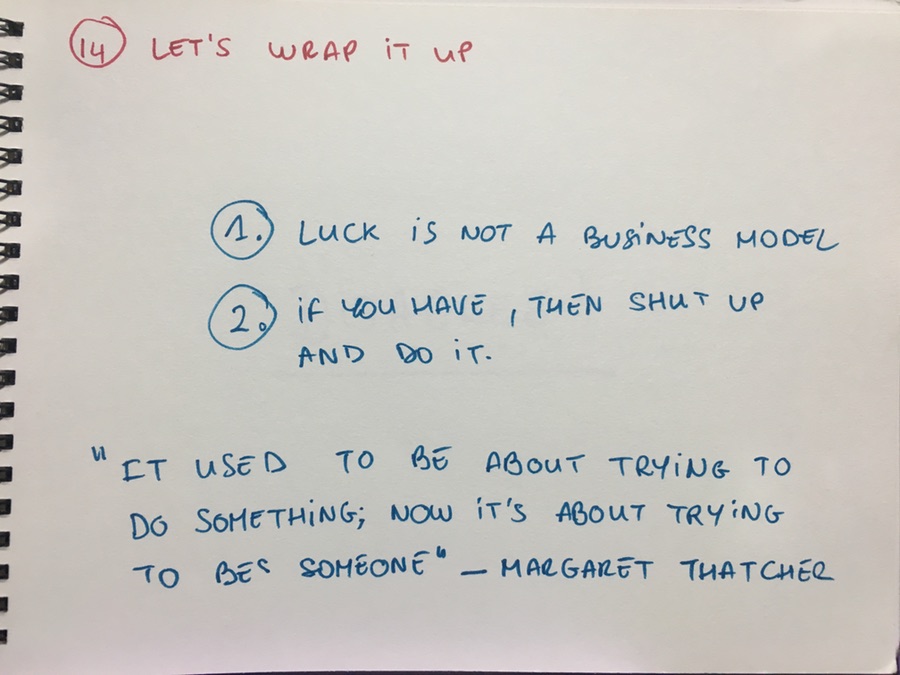
Let’s wrap this up.
I may be wrong. Some folks get lucky. But luck is not a business model..
Ultimately, the ones who do just do it. They may brag about it once it worked and often only because they have to.
I don’t have any advice about what you should or should not do. If I had, I would charge you for it (I’m an “entrepreneur”, remember?). But I do often recognize entrepreneurship when I meet it, and it does not start with wanting to be “an entrepreneur”.
Most of you shouldn’t be entrepreneur, and that’s fine. It’s neither admirable nor desirable. I’ve met a great many businesses, and most of them are started by one or a few individuals, but they ultimately succeed thanks to a team.
Being an entrepreneur is neither cool nor fun. And it’s nowhere safe.
And if you’re set on it, just shut up about it and go do it.